
Contact EduLinked
Get help with inclusive learning
Accessibility, assistive technology, learning systems and community programs
Use this page to request a consultation, start a partnership conversation, make a referral, ask about school technology support, or tell us what access support you need.
Choose the best contact pathway
Choose a specific pathway when you know what you need. Use the general form below if you are unsure.
Request a consultation
For scoping an accessibility project, learning system, community program, website support or inclusion plan.
Request a consultationStart a partnership pilot
For councils, libraries, schools, community organisations and technology partners exploring a pilot or collaboration.
Start a partnership pilotReferrals and support
For assistive technology, participant support, schools, clinicians, support coordinators and community referral pathways.
View referral optionsBecome a host
For organisations interested in hosting programs, events, device lending, training or community learning activities.
Become a hostSchool technology support
For schools requesting a technology referral, accessibility support, device planning or a technology audit.
School tech referralEasy Read contact page
For people who prefer short sentences, clear steps and simple contact instructions.
Open Easy Read pageQuick links
These links help people reach the right form quickly.
What EduLinked can help with
EduLinked works across inclusive learning, accessibility, assistive technology, digital inclusion and community participation.
Learning systems
Modular learning programs, inclusive pathways and practical systems that help people participate in learning.
Accessibility and digital inclusion
Accessible websites, communication supports, technology planning and accessibility reviews.
Assistive technology pathways
Referral pathways, device planning, school technology support and accessible learning environments.
General contact form
Use this form for general questions, partnership interest, program enquiries or access support requests.
Fields marked with required are required.
Accessible downloads
Download contact information in different accessible formats
Choose the format that works best for you. These files explain how to contact EduLinked, ask for support, understand privacy and consent, or help someone else make an enquiry.
If a document is not accessible for you, email founder@edulinked.com.au and ask for another format.
Easy Read contact guide
Plain-language guide with short sentences and clear next steps.
Useful for: For people who prefer simple information, cognitive accessibility, or supported decision-making.
Large print contact guide
Large-text version with generous spacing for easier reading.
Useful for: For low vision, visual fatigue, older readers, and people who prefer print-friendly layouts.
Screen reader contact guide
Linear, heading-based version designed for assistive technology users.
Useful for: For screen reader users and people who prefer structured digital text.
Communication support card
Short card to help someone explain what support they need.
Useful for: For AAC users, non-speaking people, anxious callers, or people who want a prepared script.
Referral pathways guide
Explains which EduLinked referral or enquiry pathway to use.
Useful for: For families, schools, support coordinators, clinicians, and community organisations.
Privacy and consent guide
Plain-language explanation of how contact details and consent are handled.
Useful for: For people who want to understand privacy, consent, and personal information before submitting a form.
Auslan script and transcript
Text script and transcript that can be used to produce an Auslan contact-page video.
Useful for: For Deaf and hard-of-hearing users, interpreters, and video-production preparation.
Support worker checklist
Checklist for helping someone contact EduLinked respectfully and safely.
Useful for: For support workers, carers, teachers, clinicians, and family members.
Contact EduLinked
This section tells you how to contact EduLinked.
Easy Read uses short sentences, clear words and simple steps.

You can ask EduLinked for help
You can ask about learning programs.
You can ask about accessibility.
You can ask about assistive technology.
What you can do
You can fill in the contact form.
You can email EduLinked.
You can ask for information in another format.
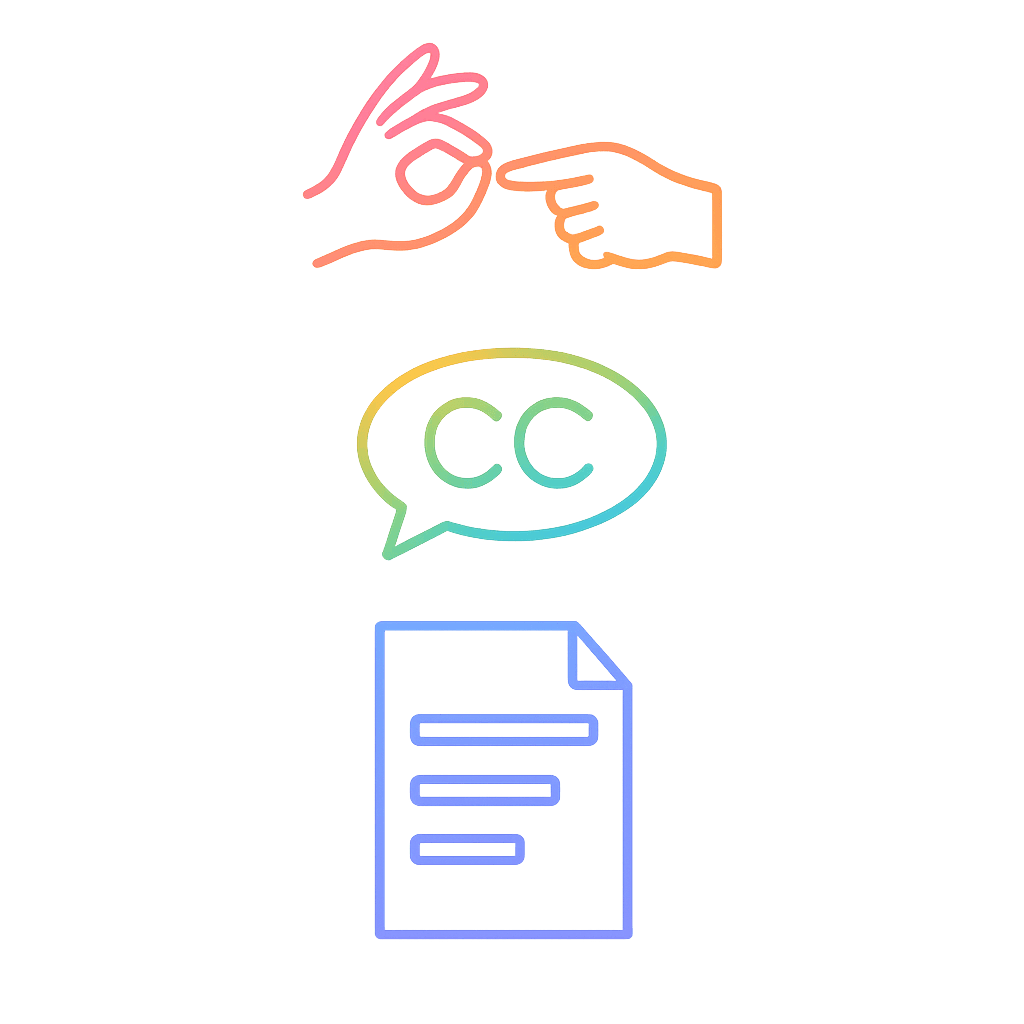
You can tell us what support you need
You can ask for Easy Read.
You can ask for Auslan support.
You can ask for large print or screen-reader friendly documents.
Symbols used on this page
This means something you can do.
This means you can ask for support.
Ready to contact EduLinked?
Choose a pathway above, complete the general form, or email us directly.