
Digital Devices Loan Library
Borrow a tablet. Build digital confidence.
Accessible devices, practical induction and friendly support
EduLinked is creating a small Digital Devices Loan Library for older Australians who need access to a tablet, mobile internet and friendly support to get online safely.
What is included
A pre-configured tablet, practical induction, follow-up support and clear loan information.
Accessible downloads
Download accessible guides for the Digital Devices Loan Library page.
These documents explain borrowing a device, registering interest, privacy, safety and support options in different accessible formats.
How does the Borrow a Device Program work?
Visual slide guide showing the steps to borrow a device, get support and return it when ready.
Easy Read Guide
People who prefer simple words, short sentences and clear steps.
Large Print Guide
Low vision users, older readers and people who prefer larger print.
Screen Reader Guide Page
Blind users, screen reader users and keyboard users.
Borrower Steps Guide
People interested in borrowing a device and supporters helping them apply.
Community Partner Referral Guide
Libraries, community centres, aged-care outreach teams and support organisations.
Privacy, Safety and Consent Guide
Borrowers, families, carers, support workers and community partners.
Communication Support Card
People who need help explaining their access needs.
Auslan Script and Plain Transcript
Auslan video planning, captions, interpreters and accessible media production.
About the Digital Devices Loan Library
Some people want to learn online but do not have a suitable device at home. This project helps remove that barrier by lending prepared devices and supporting people to use them with confidence.
Loan devices
Participants can borrow a tablet for an agreed loan period.
Internet access
Mobile internet options can support people who do not have reliable home internet.
Support options
Induction and follow-up support is available so no one is left to work everything out alone.
Optional communication and employability supports
Some people may also be eligible to request additional digital supports with their device loan. These options are designed to reduce barriers to communication, online learning and employment participation.
Proloquo AAC communication app
People who have communication difficulties can ask about adding the Proloquo AAC communication app to a loan device, where appropriate and available.
This may support people who use symbols, text-to-speech, alternative communication, or AAC tools to express needs, choices, feelings and ideas.
LinkedIn Premium employability support
People who have difficulties with traditional employment can ask about LinkedIn Premium support, where appropriate and available.
This may help people learn how to build an online profile, increase employability, explore work pathways, and develop confidence using professional online tools.
These supports are optional. They are not required to borrow a device, and availability may depend on program eligibility, licences, funding and individual support needs.
Who this is for
This program is designed for older Australians aged 50 and over who would benefit from borrowing a device and receiving supported digital learning.
- People without a suitable tablet or computer at home.
- People who feel socially isolated and want to connect online.
- People who need help using video calls, email, online forms or learning websites.
- People who may benefit from larger text, accessibility settings or slower step-by-step support.
How it works
The process is designed to be simple, safe and supportive.
Register interest
Complete the interest form, email EduLinked or ask a partner organisation to pass on your details with permission.
Take the baseline survey
Borrowers complete a short baseline survey before receiving a device.
Eligibility and loan agreement
EduLinked confirms suitability, explains the loan terms and completes a device loan agreement.
Device setup and handover
The device is prepared, labelled, checked and handed over or posted using a tracked method.
Support, survey and return
Borrowers receive follow-up support. At the end of the loan, the device is returned, cleaned and factory reset.
Privacy, safety and accessibility
Privacy reset
Devices are factory reset between loans. Personal accounts should not remain signed in after return.
Accessible setup
Devices can be prepared with larger text, screen magnification and other basic accessibility settings where required.
Clear consent
Consent will be requested before using any photos, stories or quotes in reporting or promotion.
For community partners
Libraries, community centres, health services, aged-care outreach teams and support organisations can help people find out about the Digital Devices Loan Library.
Partner tasks can include
- Promoting the loan library.
- Helping people express interest.
- Hosting a short device clinic where feasible.
- Referring people who need supported access to digital learning.
Register interest
Complete the form below to register interest in the Digital Devices Loan Library.
Digital Devices Loan Library
This section tells you the main ideas from the Digital Devices Loan Library page.
Easy Read uses short sentences, clear words and simple layout.
You can borrow a device
EduLinked is making a small device loan library.
Some people can borrow a tablet.
The tablet can help people get online.
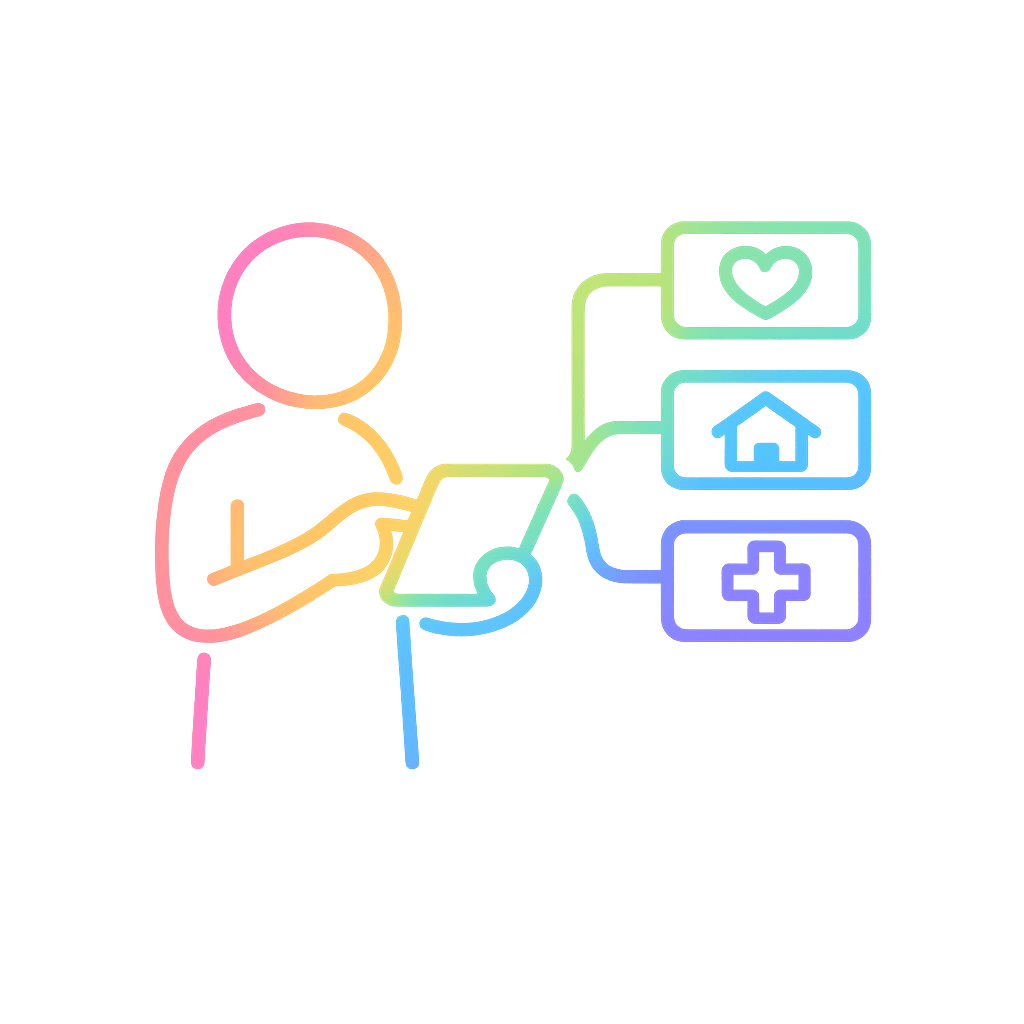
What the device can help with
The device can help people:
- make video calls
- send emails
- use online forms
- learn online safety
- connect with services
Who this is for
This program is mainly for older Australians.
It may help people who:
- do not have a tablet or computer at home
- feel lonely or isolated
- need help using the internet
- need larger text or slower step-by-step support
You can ask about extra supports
Some people can ask about extra supports.
You can ask about Proloquo AAC.
Proloquo AAC can help people communicate.
You can ask about LinkedIn Premium.
LinkedIn Premium can help people learn employability skills online.
These supports are optional.
.png)
What happens next
You can register your interest.
EduLinked may contact you to ask some questions.
If the program is right for you, EduLinked will explain the loan agreement.
You may get help to set up and use the device.
.png)
Privacy and safety
EduLinked takes privacy seriously.
Devices are reset between loans.
This means personal information should be removed before another person uses the device.
You can ask for help
You can ask EduLinked for help with this page or the form.
Email:
Words used on this page
A loan means you can use something for a time, but you need to give it back.
Support means someone can help you learn what to do.
Need help with the form?
Email EduLinked or download an accessible guide before you begin.